
 Posted by
 Blueprints can help Factorio players design their factories. The best Factorio blueprints let you design factory systems faster without having to start from scratch. Complex factories are difficult to design without reference materials. You can find a list of blueprint designs in this Factorio blueprint guide.
Best Factorio Blueprints
There are several Factorio blueprint designs you can use to make building factory systems easier. Some are available for download or import. Each design has its own advantages, and you can customize them to fit your playstyle or preferences.
Swipe left to see more →
| Blueprint | Best For | Game Stage | Availability | Why Use It |
|---|---|---|---|---|
| Jump Start Base | Early-Game Tech Unlock | Early Game | Strings available | Structured early design to build a base without starting from scratch |
| Early Game Smelting | Copper or iron ore smelting | Early to Mid Game | Strings available | Ensuring the availability of raw material supplies |
| Main Bus – Modular | Material distribution to factories | Mid Game | Design Concept | Supporting production line scalability when new items are introduced |
| The Mall | Production of construction tools from a single hub | Mid Game | Downloadable/Importable | No need to go through the hassle of manually crafting buildings from scratch |
| All-in-One Science | Technology Research | Mid to Late Game | Downloadable/Importable | Integration of all laboratories for efficient logistics and seamless research |
| Advanced Oil Processing | Crude Oil Processing | Mid Game | Strings available | Control circuit with automatic cracking to prevent blockages in oil production |
| Rail Network | Long-Distance Mass Transit | Late Game | Design concept | Prevents train congestion and facilitates modular factory replication |
| Laser Defense Wall | Defense against attacks | Late Game | Strings available | Makes it easier for players to keep their factories secure without much manual intervention |
Factorio Starter Blueprints
Blueprints are crucial for your early game once you’re on Nauvis. You can find various Factorio starter blueprints that are easy to build, complete with straightforward resource details. You won’t need as many resources as you would in the early game.
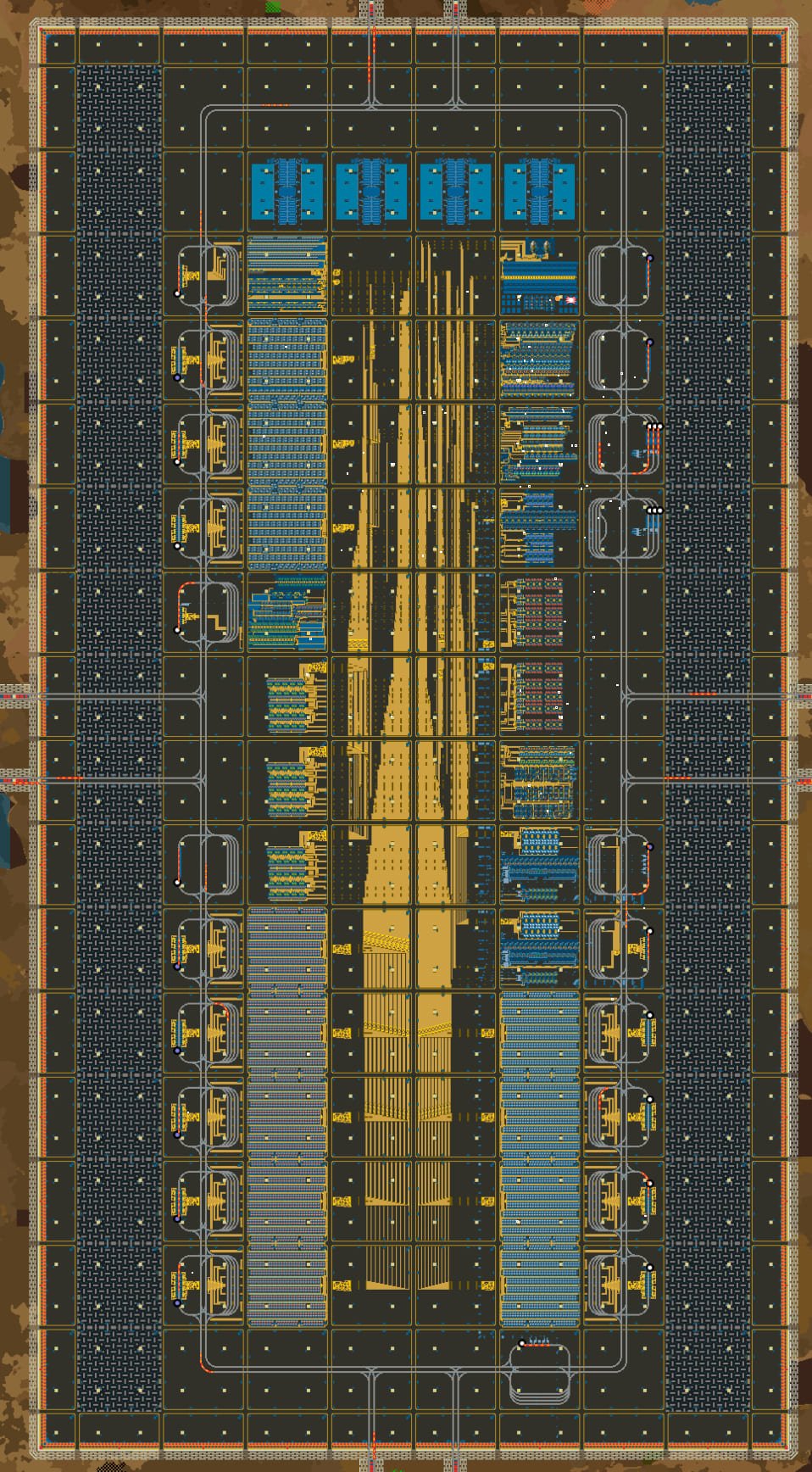
So, what are these Factorio early game blueprints like? These blueprints cover basic smelting, conveyor belt production, and initial automation. One example is the City Block Base, designed for Factorio 2.0. This blueprint by Erinch is available for download to help you transition to the mid-game more smoothly.
Factorio Smelting Blueprints
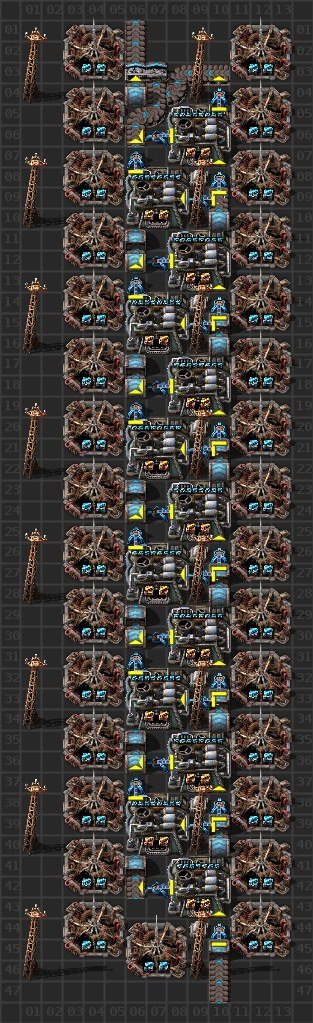
What is a Factorio smelting blueprint? This is the essential foundation for the entire factory, featuring furnace arrays for processing copper, iron, and other materials. Some smelting designs are scalable, while others are more compact.
An expandable design becomes more useful as you play, so you won’t run into trouble when adding new facilities. Advanced Smelting (8 Beacons) can produce an output of 45/sec for players who need high efficiency. You can rely on this importable/downloadable blueprint as you progress into the late game.
Tips for players: When creating Factorio blueprints, you should pay close attention to belt throughput for smelting, as well as the number of furnaces. Why? Both factors determine scalability, the ideal ratio, and the efficiency of your factory, and can help prevent bottlenecks.
Factorio Main Bus Blueprints
Many players rely on the Main Bus, a major route for transporting raw materials. There are bus lanes to group belts so that logistics can run smoothly. This blueprint uses underground belts and splitters to manage resources to production branches.
Factorio bus blueprint also requires expansion space for scalability, such as if you want to add more routes. Usually, blueprints for the main bus are just design concepts. This differs from the previous blueprint, which you can download in its entirety as a base design for your factory.
Factorio Mall Blueprints
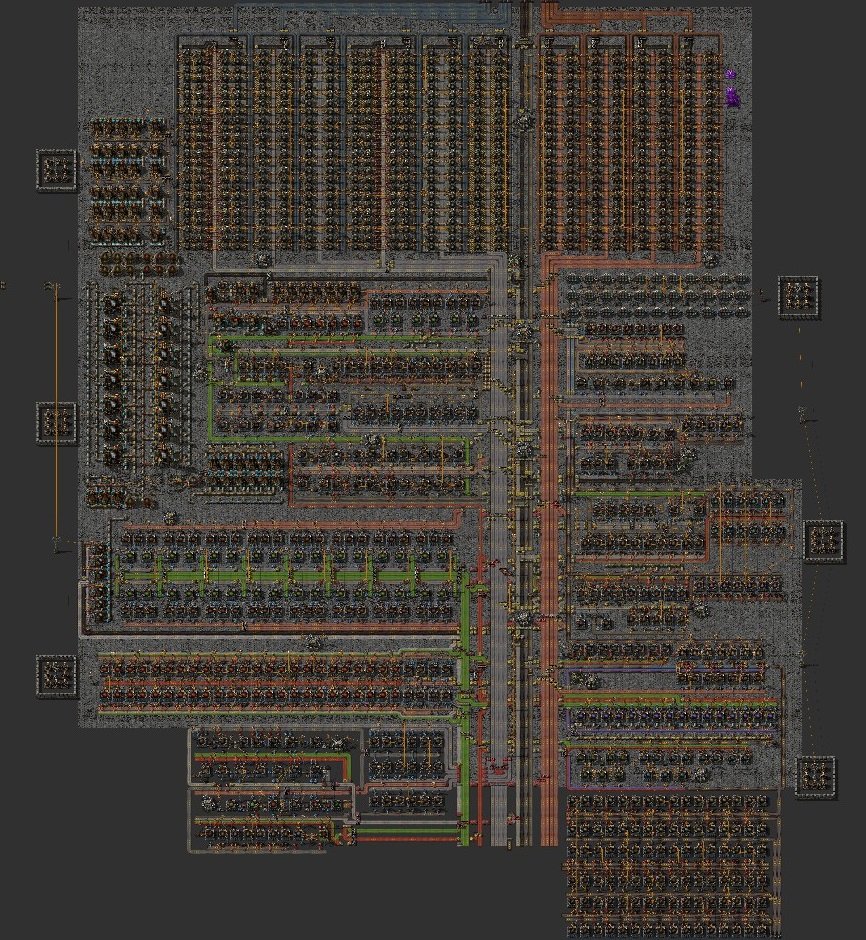
The Factorio Mall blueprint serves to centralize the construction of items needed for base building. At a minimum, the Mall blueprint includes inserters, assemblers, belts, machines, poles, and pipes. The Mall blueprint focuses on organizing all of these elements in a way that’s convenient for players.
The AutoMall is a downloadable, actual blueprint by DocJade built for Factorio 2.0. You can easily design a mall without starting from scratch, though there are limitations such as slightly clunky mechanics and the absence of fluids.
Factorio Science Blueprints
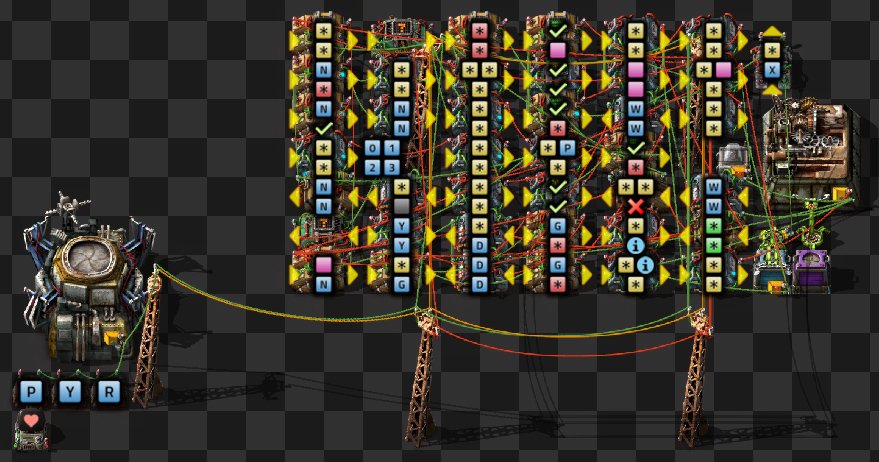
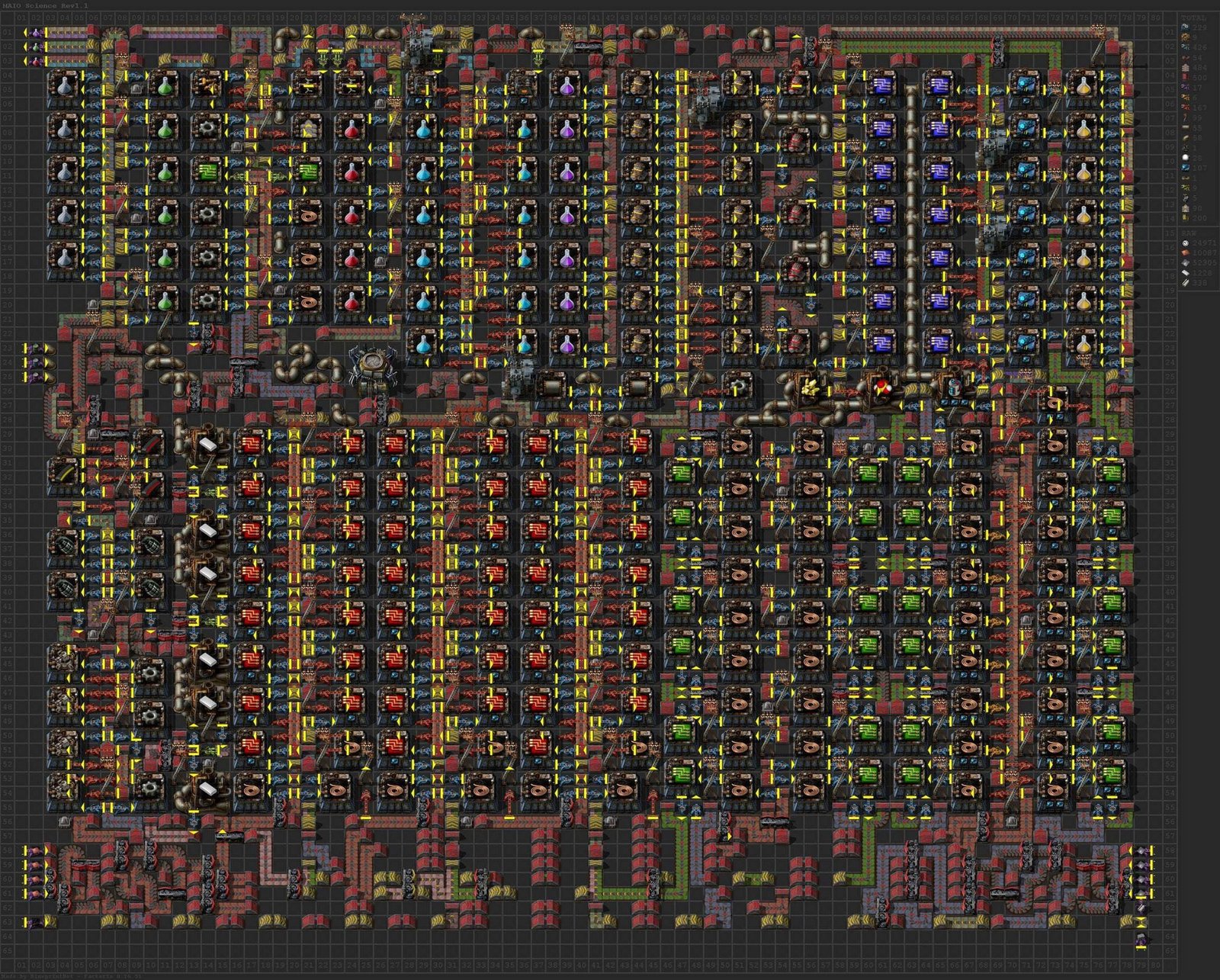
Factorio science blueprints ensure balanced science production without worrying about bottlenecks. These reliable Factorio blueprints support smooth, scalable belt/bot distribution and production ratios that meet your targets.
You can rely on the All-in-One Science from Untribium, which can produce 45 science packs per minute. This Factorio science blueprint is ideal for the mid-game phase with balanced input and output.
Factorio Oil & Chemical Blueprints
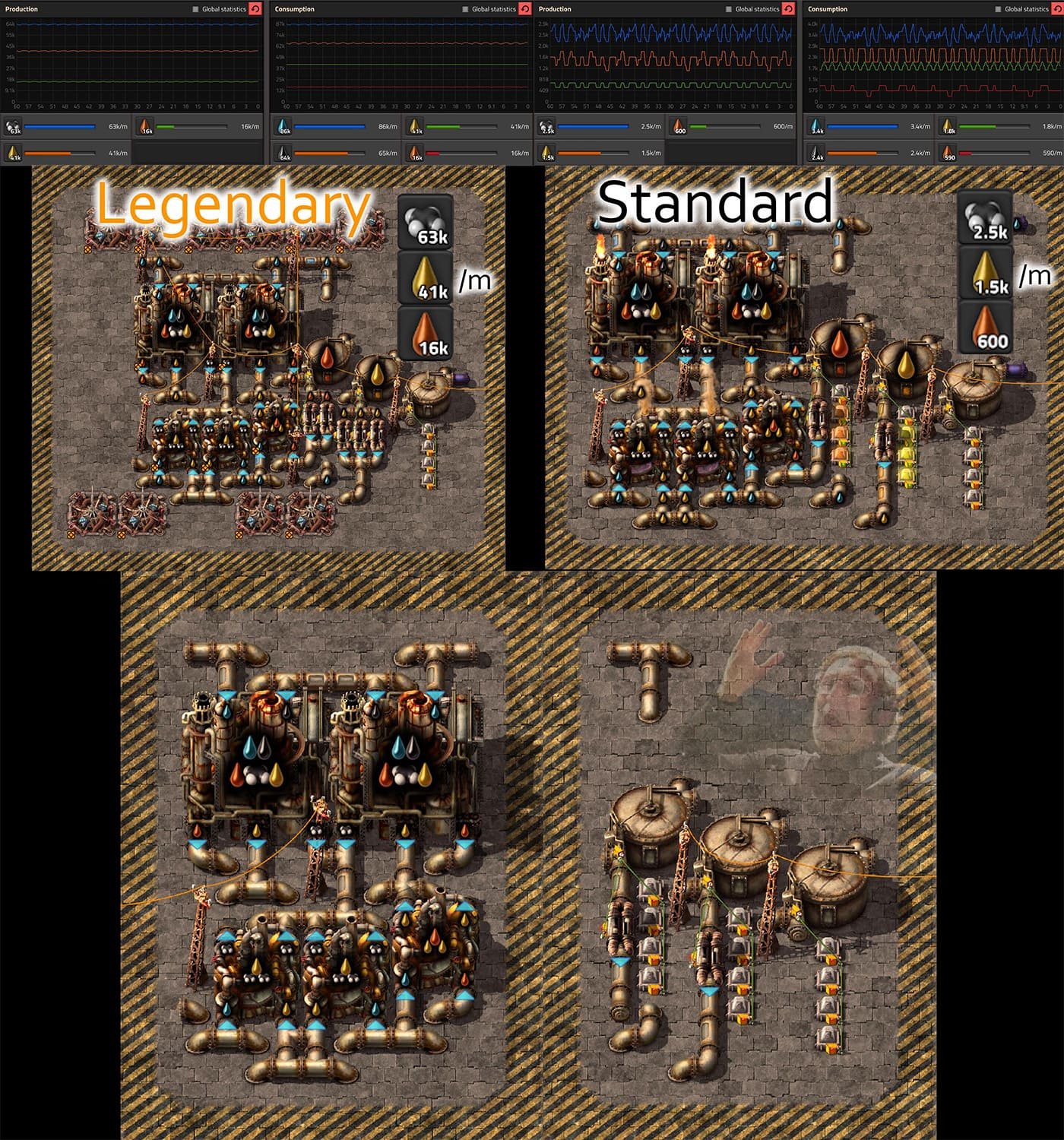
Factorio oil blueprint make it easier for you to design complex oil processing systems with intricate pipeline networks. These blueprints focus on oil processing, light/heavy oil, and petroleum gas. Factorio oil blueprints provide details on lubricants, sulfur, plastics, and other chemicals.
The Tileable Advanced Oil Processing from CompSciGui features a smart fluid balancing module and scales up to 64 refineries. This is an importable blueprint, not an actual downloadable blueprint. The advanced oil processing blueprint is fully flippable and rotatable in any direction, displays red emergency warnings when tanks are full, and uses lights to indicate fluid levels.
Factorio Train Blueprints
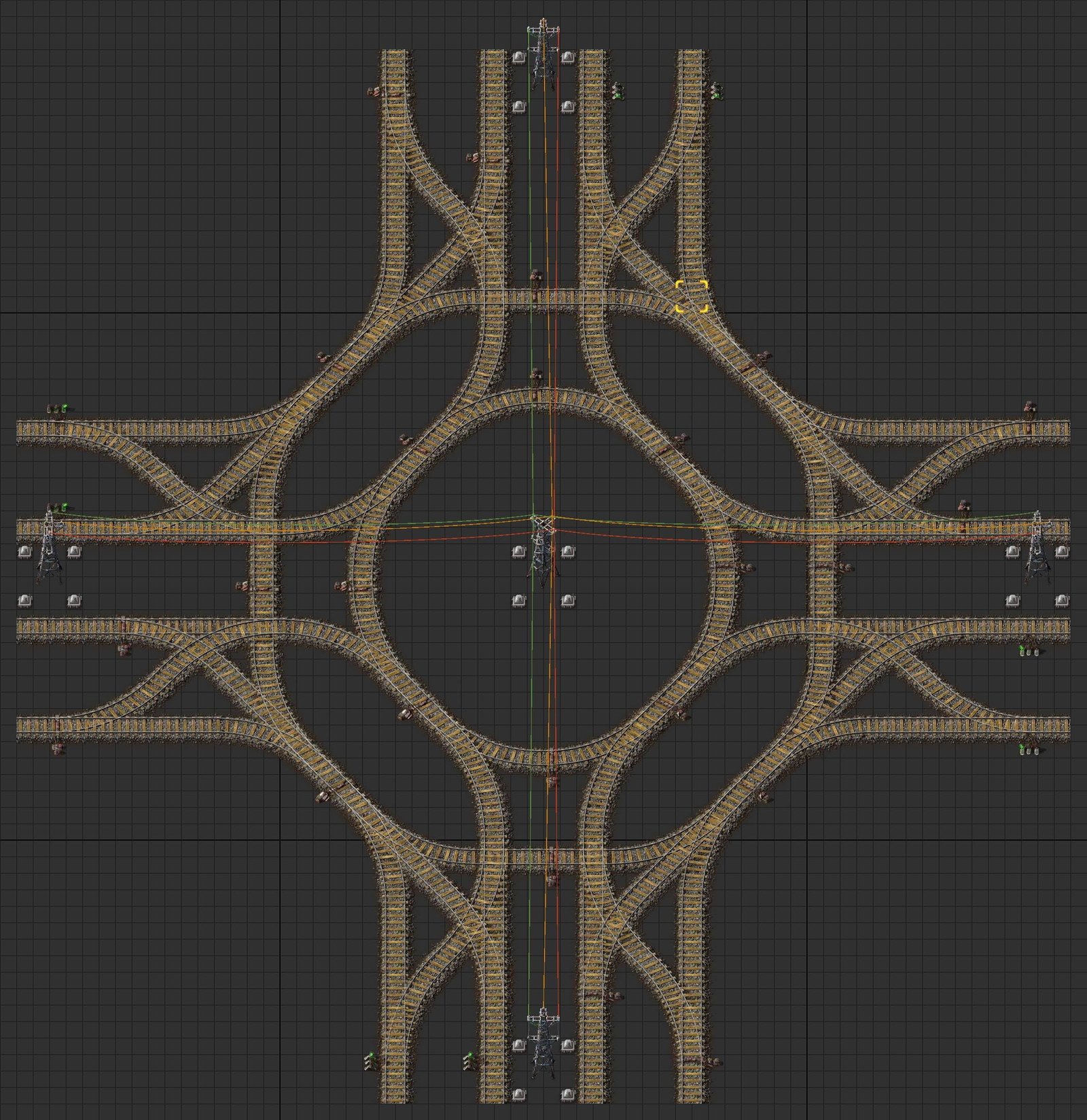
Factorio train blueprints provide a railway network with a robust system to support long-distance logistics. The Factorio train blueprint requires at least stackers, intersections, chain signals, and rail signals. Determine whether your route system should use one-way or two-way rail layouts.
The ideal train blueprint is one that is deadlock-proof to ensure a smooth railway system. One example is the Rail Network by Samuel Haggerty, which includes Large 4-Way, Small 4-Way & 3-Way, Block Side, Fluid Dropoff, and many more. Use this blueprint as an importable blueprint to easily design your railway system.
Factorio Defense Blueprints
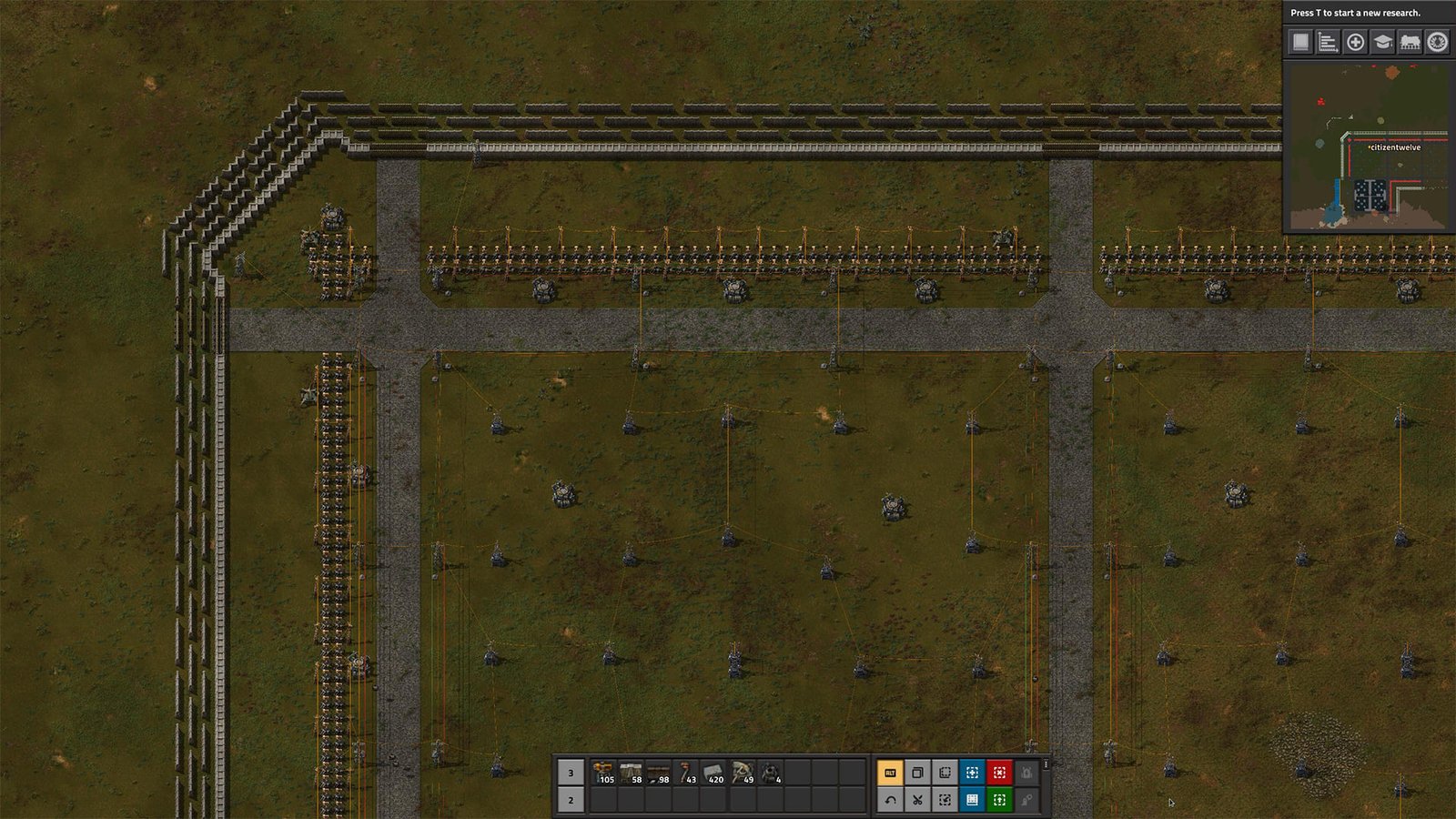
Next are Factorio Defense Blueprints, which you should also prioritize to ensure your factory’s defense. What elements are typically found in a Factorio defense blueprint? These include turrets, walls, repair stations, perimeter defenses, chokepoints, and gates.
Blueprints also require ammunition logistics to automate the defense system. To get started with practical factory defense, try a blueprint like the Factorio Laser Defense by Erich Beyer, which uses laser turrets. This importable, tileable blueprint features a variety of edges, points, and corners to cover different angles.
Factorio Power Blueprints
Adapt your power design to your factory’s development. Electricity is essential for the operation of any factory. Steam power is needed in the early stages of development, while accumulators and solar power can supply energy in the mid- or late-game. You can also find Factorio nuclear blueprint, which is crucial for megabases in the late-game.
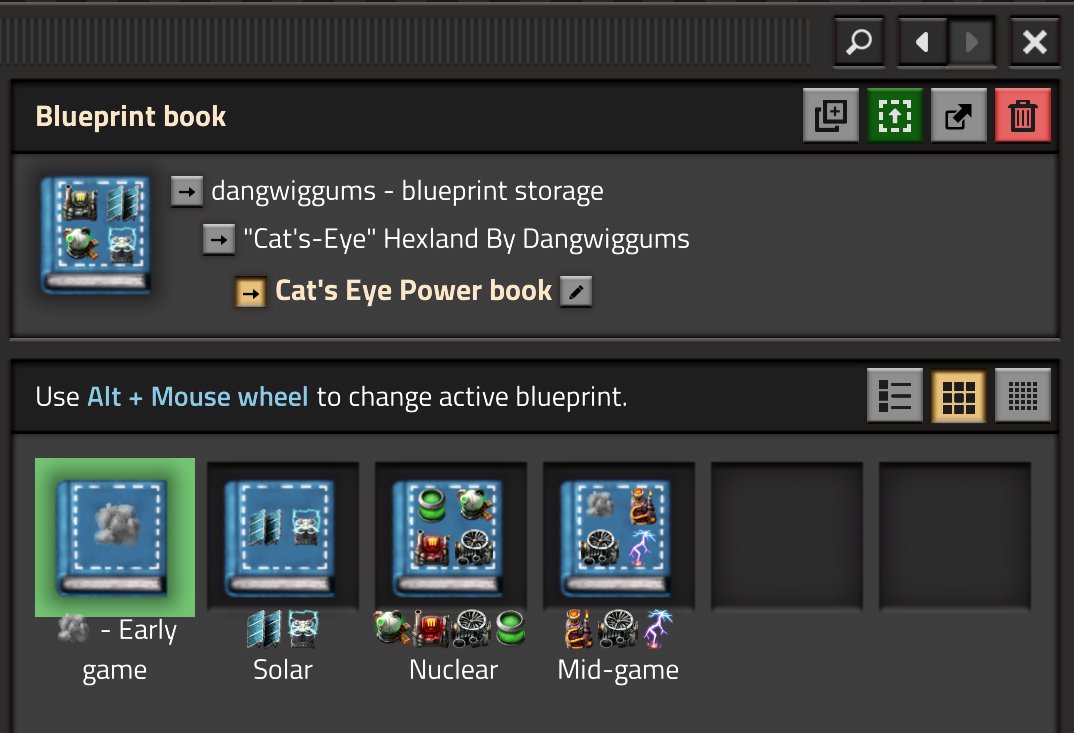
The Power Book by Dangwiggums is a compilation of power-related Factorio blueprints from various creators. The book covers the generic power book, solar, nuclear power plants, fusion, and much more.
Factorio Megabase Blueprints
In the late game, when you have large-scale factories, Factorio megabase blueprints become more relevant. These late-game blueprints focus on high throughput, modularity, beacon/module optimization, production blocks, and rail logistics.
The blueprints also need to be designed with UPS efficiency and scalable production in mind. There’s no single “best” Megabase blueprint, one reason being that the throughput planning for Megabase designs is so complex.
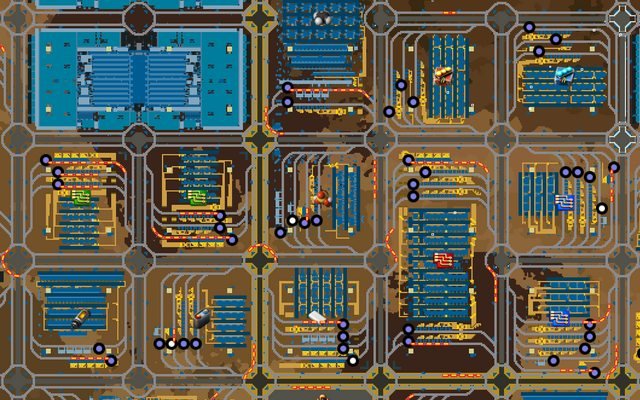
The Megabase Modular Train Grid Framework (2.0) by Sancho is a modified version of Coyote’s Megabase blueprint. This importable blueprint has been updated to the 2.0 rail system and includes several other essential updates.
How to Use Factorio Blueprints
Now you know about some Factorio blueprint ideas that can make it easier for you to design factory systems. So, how to use Factorio blueprints? You can follow the guide below to open, create, save, use, or place blueprints.
- Opening the blueprint interface: Navigate to the Blueprint Library in the menu interface.
- Creating a blueprint: Use the blueprint tools and arrange all the necessary entities.
- Saving a blueprint: Add the blueprint to your hotbar or storage; click the blueprint and save it.
- Using the blueprint book: Search for similar blueprints and combine them; keep your inventory organized while managing the Factorio blueprint book.
- Placing a blueprint: Select and tap the relevant blueprint, then place it in an empty area.
How to Download or Import Factorio Blueprints
At least one Factorio blueprint is available for import or download. Yes, the two are quite different, and you need to know that before using them. The design concept is also different because you can’t always download them.
So, how do you download or import Factorio blueprints? You’ll need to first find a reliable source for the relevant blueprint. The source must provide the blueprint in a valid and explicit format. You can copy the blueprint’s string or text if it’s available as a way to download that blueprint.
So, how do you use them? You can select the “Import” option in the game, but first check the blueprint’s requirements, as it may require mods, specific expansions, or other compatibility conditions. You can read the description on each page that provides the blueprint.
There, you can find out whether the blueprint requires a mod and how compatible it is. Now, you can use many blueprints that have been updated to version 2.0. You can also view the blueprint’s visuals to get an initial idea of what it looks like.
How to Import a Factorio Blueprint String
What is a blueprint string? It’s an encoded text containing the building layout details and entity specifications for a factory design in Factorio. The main function of a blueprint string is to facilitate the transfer of factory designs between players.
So, how to import Factorio blueprints? Factorio provides an “Import String” feature that you can use to apply the blueprints you’ve obtained. Make sure to select a blueprint with an available string, as not all sources provide one. You can access the “Import String” option via the Factorio hotbar.
Before that, you’ll need to copy the text from the blueprint string first and then paste it into the box in the Import String menu. Once you’ve pasted the entire string, you can select the Import option. It’s important to ensure the blueprint source is valid so it can actually be used.
The blueprint string must also be compatible with the version of Factorio you’re playing. If it’s not compatible, the blueprint won’t run properly.
How to Choose the Right Factorio Blueprint
There is no single “best” Factorio blueprint. You need to choose a blueprint based on what your factory requires. If you want to choose the best one, you should at least check the available resources, factory stage, space, throughput, and logistics.
To make it easier to choose a blueprint, figure out your personal building style, since it varies from player to player. You should also check for compatibility, the blueprint you find might not be compatible with the version of Factorio you’re playing. Not all Factorio blueprints can be imported or downloaded, either.
So, check the blueprint’s availability to ensure you can use it in the game. You can follow this simple framework to easily choose the right blueprint:
Swipe left to see more →
| Need | Blueprint Type |
|---|---|
| Starting Factory | Starter |
| More iron/copper | Smelting |
| Organized production | Main Bus |
| Common items | Mall |
| Science production | Science |
| Oil processing | Oil/chemicals |
| Long-distance logistics | Rail |
| Defense | Wall/turret |
| Large-scale production | Megabase |
Frequently Asked Questions
What are blueprints in Factorio?
A blueprint is the base design for the layout and entities of a factory system in Factorio. Players can copy, customize, use, and share Factorio blueprints.
What are the best Factorio blueprints for beginners?
Beginners can use the “Starter” or “Mall” blueprints to simplify automation planning early in the game. Both designs are simple and basic, making them easy for beginner players to understand.
How do you use blueprints in Factorio?
Use the blueprint tool to apply the blueprints you’ve obtained. You can use a personal library to store Factorio blueprints.
How do you download a Factorio blueprint?
Downloading a Factorio blueprint involves copying the blueprint string from an external website and pasting it into the import field.
How do you import a Factorio blueprint string?
Access the Factorio hotbar to find the “Import String” option. Copy the string text and paste it into the Import field, then confirm to start loading the design with the new blueprint.
Can Factorio blueprints be used in Space Age?
Not all blueprints work in Space Age. You must first check the compatibility of the blueprint you want to use because Space Age is exclusive to Factorio.
Do Factorio blueprints work across different versions?
Machine sizes, recipes, and other details from older blueprint versions may change when updated to modern versions. Therefore, it’s important to verify compatibility or supported versions first before using a blueprint.
What should I include in a Factorio blueprint book?
Create a Factorio blueprints book containing designs organized by specific categories, such as those dedicated to railway systems, defense, or oil processing.